
How to Use an Entry QR Code to Organize and Control Wedding Gate Access
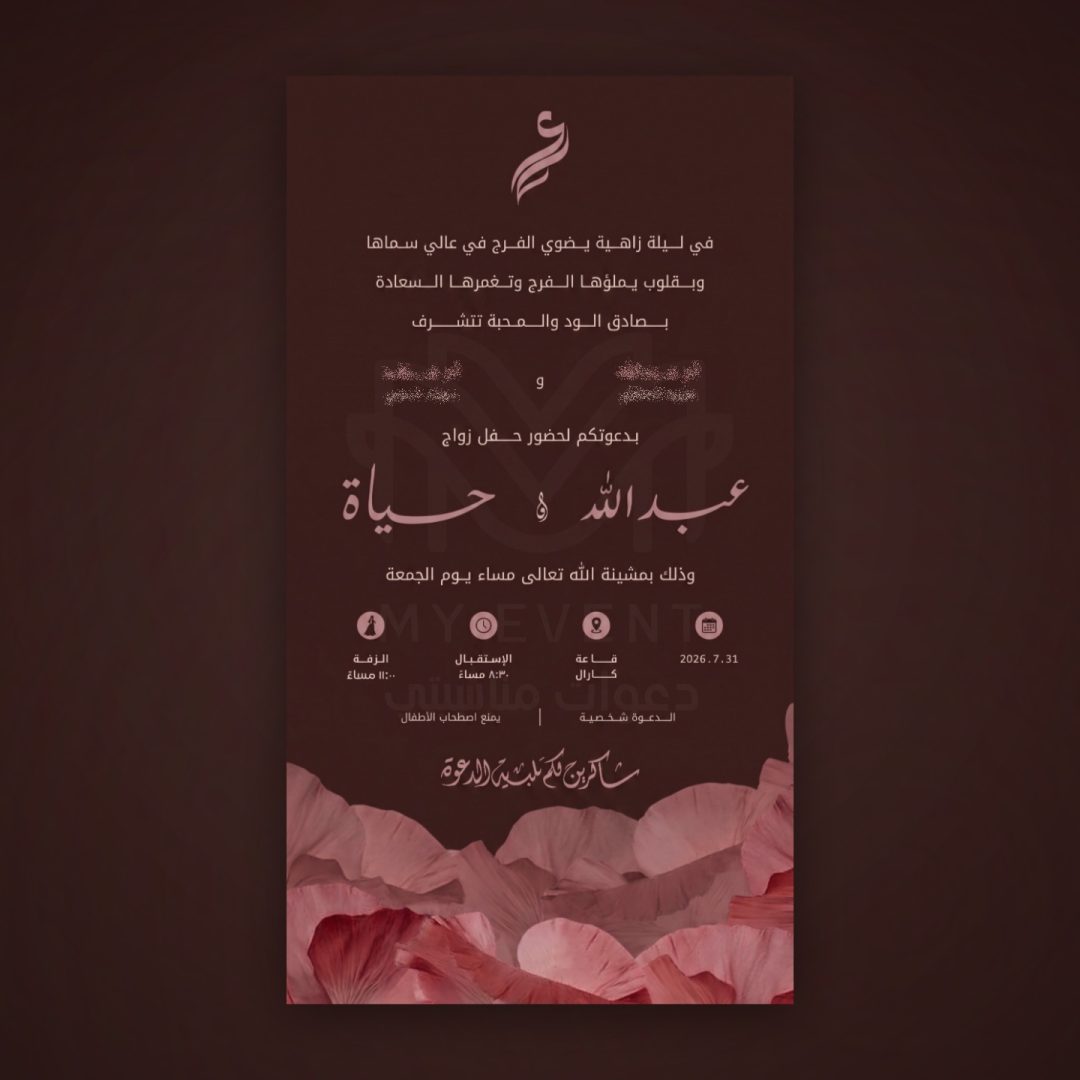
The Importance of Securing Wedding Hall Gates
Your wedding night is a once-in-a-lifetime event, requiring meticulous planning. As the summer wedding season winds down and the weather improves, gatherings increase, making gate organization essential to preserve privacy and ensure smooth guest entry without crowding.
Traditionally, gate management relied on long paper lists and manual verification, causing delays and occasional gatecrashing. Today, smart digital solutions from MyEvent redefine this experience entirely.
What is a Single-Use Entry QR Code and How Does It Work?
MyEvent platform allows hosts to send smart digital invitations directly via WhatsApp. Each invitation features a personalized, unique entry QR code for each guest.
This technology is strictly single-use. Once scanned at the gate by organizers, the guest's attendance is instantly recorded, and the code cannot be reused by anyone else, ensuring maximum security.
Practical Steps to Simplify Gate Management for Organizers
To implement this feature successfully on your wedding day, organizers do not need expensive equipment. Any smartphone is sufficient to scan codes and guide guests.
This system also supports segmenting guests into different categories (such as ladies' section, men's section, or VIPs), making it easy to direct each guest to their designated area immediately after scanning.
Organizational and Security Benefits of MyEvent QR Code
The benefits of using an entry QR code go beyond managing queues; it gives the hosts complete peace of mind and absolute control over the event.
With the live RSVP feature, couples can track real-time attendance before and during the event, preventing uninvited guests and maintaining the privacy of traditional Saudi weddings.
How to Start Using the QR Code System for Your Wedding
Getting started with digital wedding organization is simple. Through MyEvent, you can design your invitation, activate the QR code system, and enable live RSVP tracking in just a few steps.
To learn more about service costs and available options for your special night, please visit our pricing page to choose the solution that best fits your needs.
A real test on your phone
Get a real invitation now
Enter your name and number and a full invitation lands on your WhatsApp — design card and RSVP buttons, exactly what our clients’ guests receive.
- 1.Enter your name and number
- 2.The invitation arrives on WhatsApp
- 3.Confirm and get your barcode
- Arrives on WhatsApp within seconds
- Tap “Confirm” and you get a personal entry barcode
- Free, no commitment — your number is never used for anything else
Send the test to my phone
One message only — no sign-up, no account.
Ready to prepare your invitation?
Pick a package for your guest count, or browse the designs and order what fits your event.
More articles
All articles- Adults-Only Wedding Invitation Wording: Polite Phrases to Avoid AwkwardnessNovember 17, 2026 · 4 min read
- Public Links vs. Personalized QR Codes: Safeguarding Women's Wedding PrivacyNovember 13, 2026 · 4 min read
- Wedding RSVP Decline Etiquette: How to Politely Say No and Avoid Host WasteNovember 9, 2026 · 5 min read