
How it works
How MyEvent works
A detailed walk-through of every step from idea to event day.
01/ 05
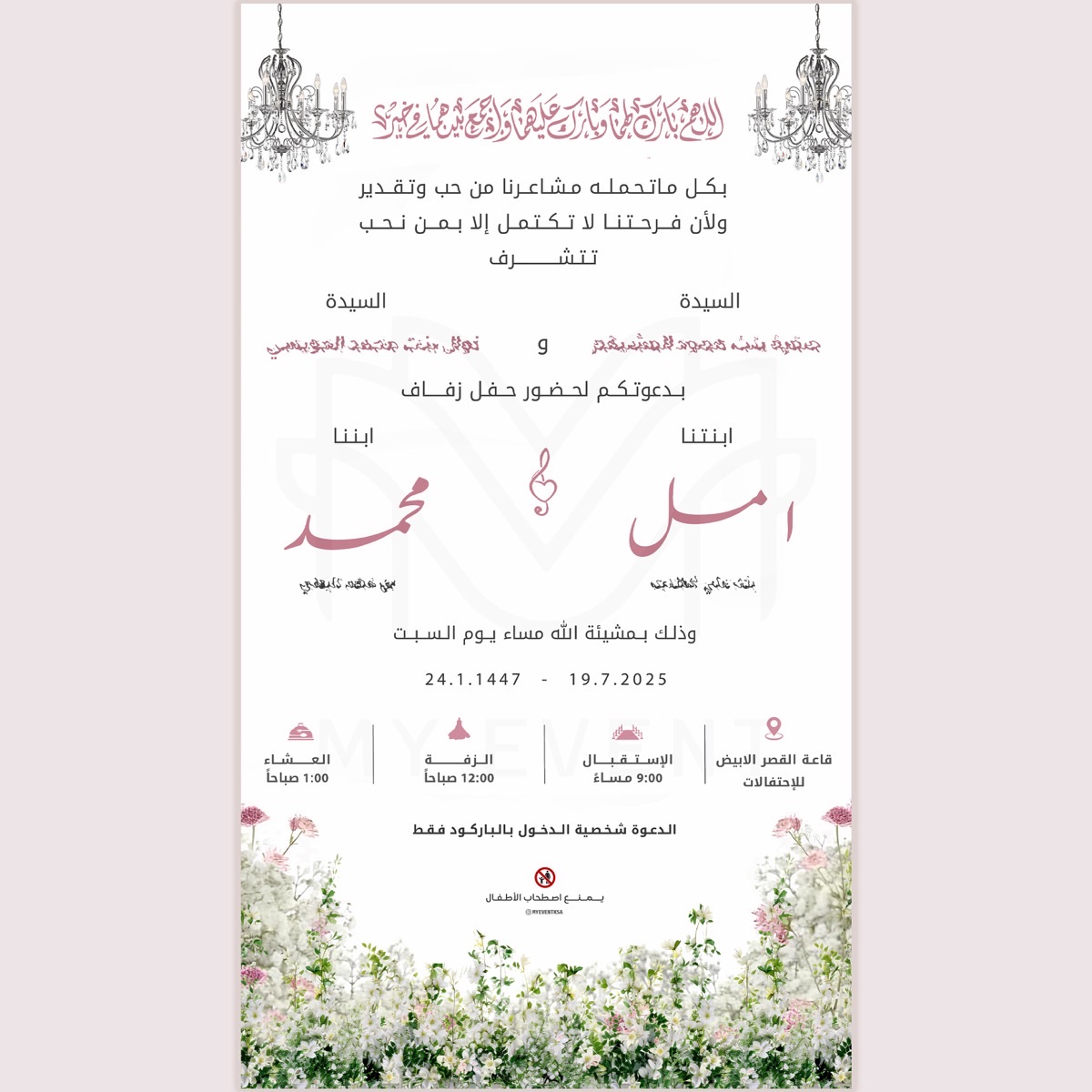
Pick a design
Browse the gallery and pick the design that fits your event, or request a custom design.
- 20+ ready-made designs for every kind of event
- Customize colors, fonts and family names
- A fully custom design crafted by our team
02/ 05
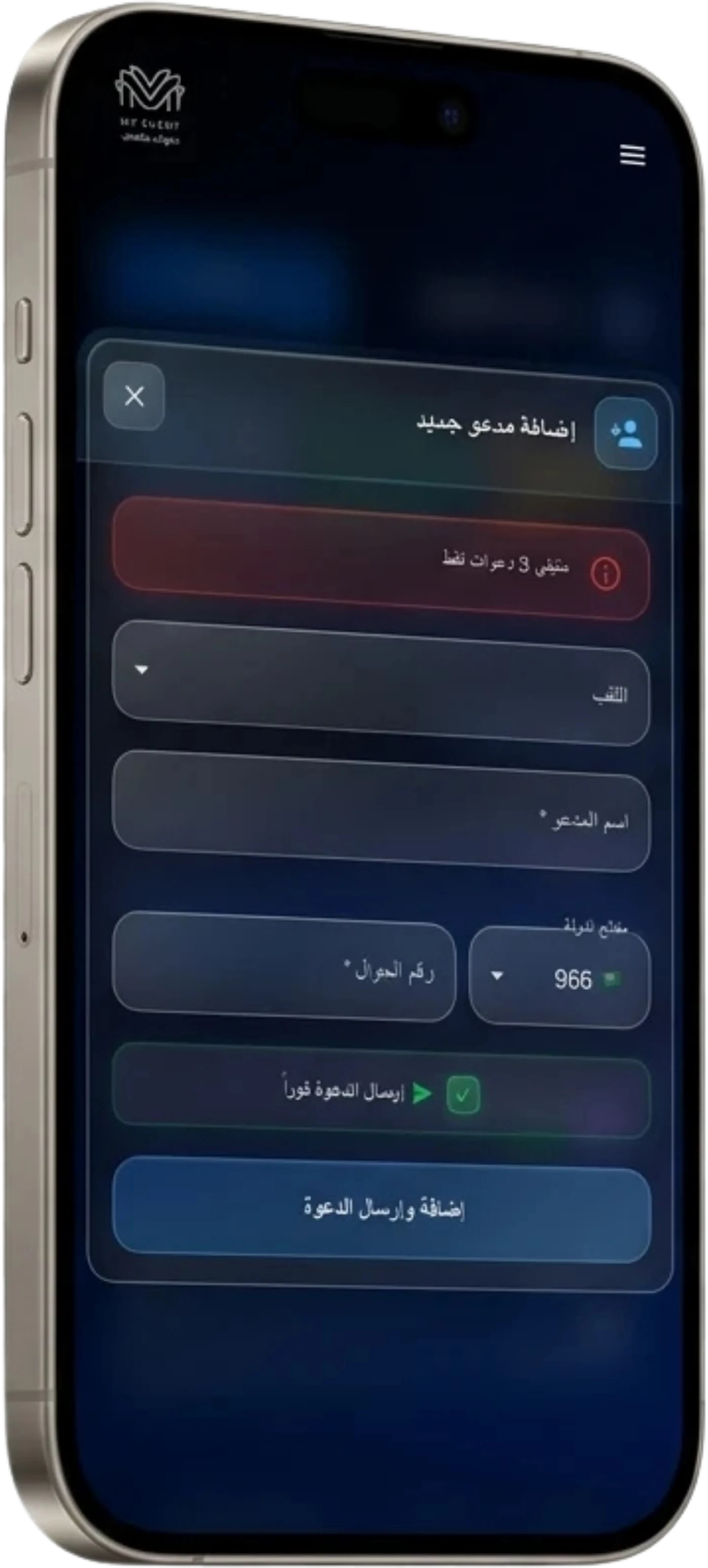
Send us your guest list
Add it yourself from the dashboard or an Excel file — or just send the list on WhatsApp and our team will set everything up for you.
- Add one-by-one or in bulk from the dashboard
- Import directly from an Excel file
- Send the list on WhatsApp — we enter it for you
03/ 05
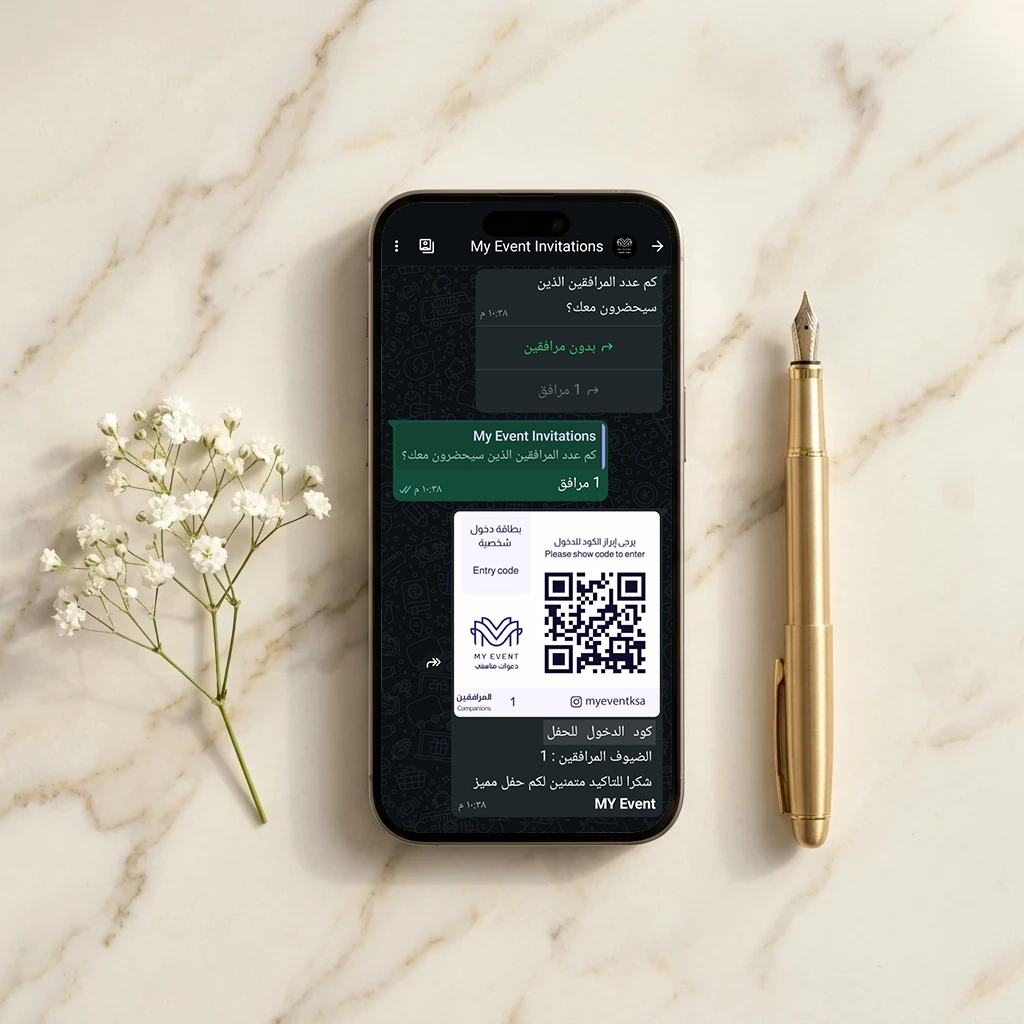
Send via WhatsApp
Invitations are sent from your verified account. Each one includes the guest's name and a unique QR ticket.
- Personalized per guest with a unique QR code
- Send the full list with a single tap
- Verified business account — no blocks, no spam
04/ 05
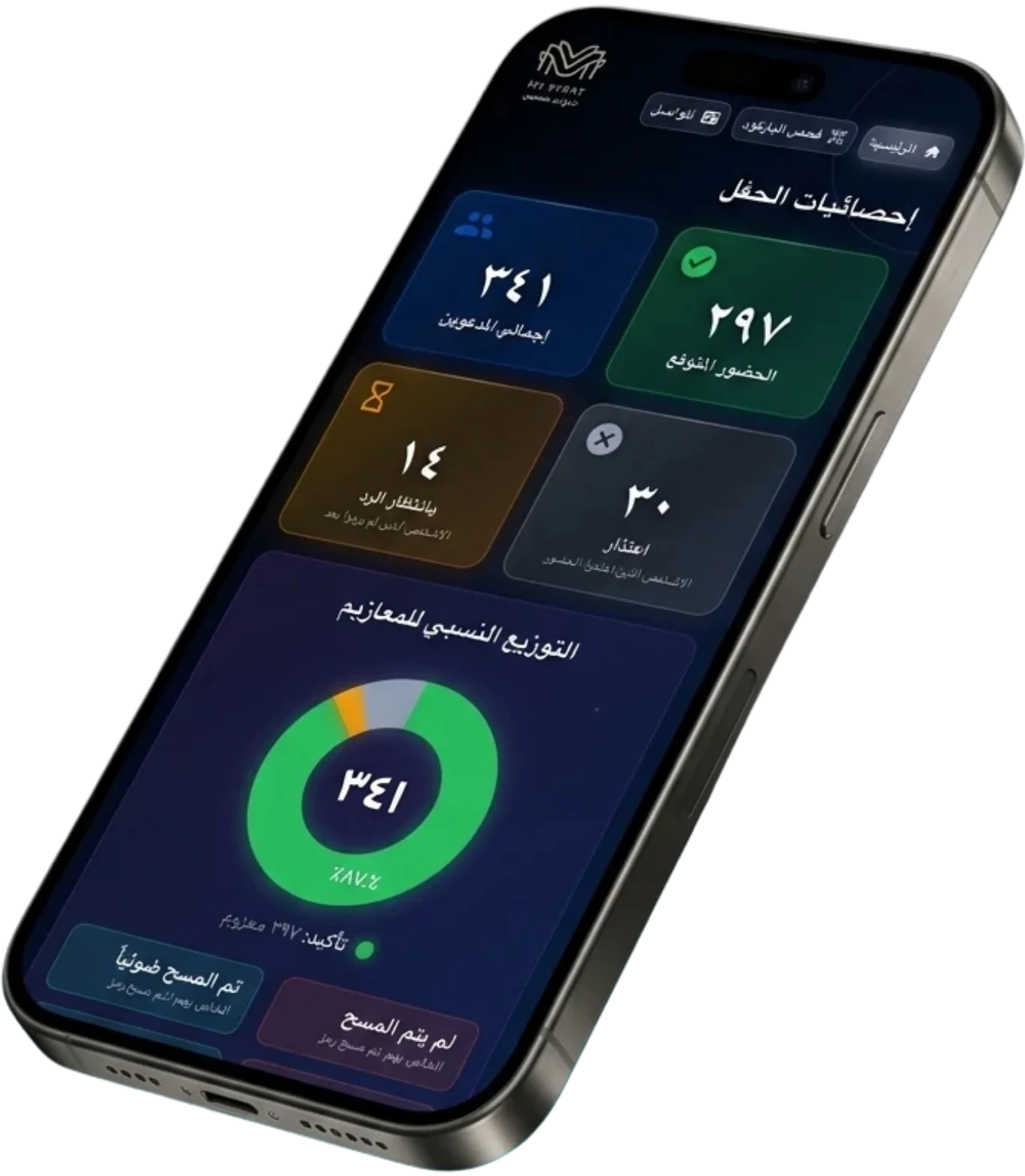
Track RSVPs
"Attending" or "Apologies" replies arrive instantly, with attendance counters updating live.
- Real-time notification with every reply
- Live counters for confirmed and declined guests
- Automatic reminders for guests who haven’t replied
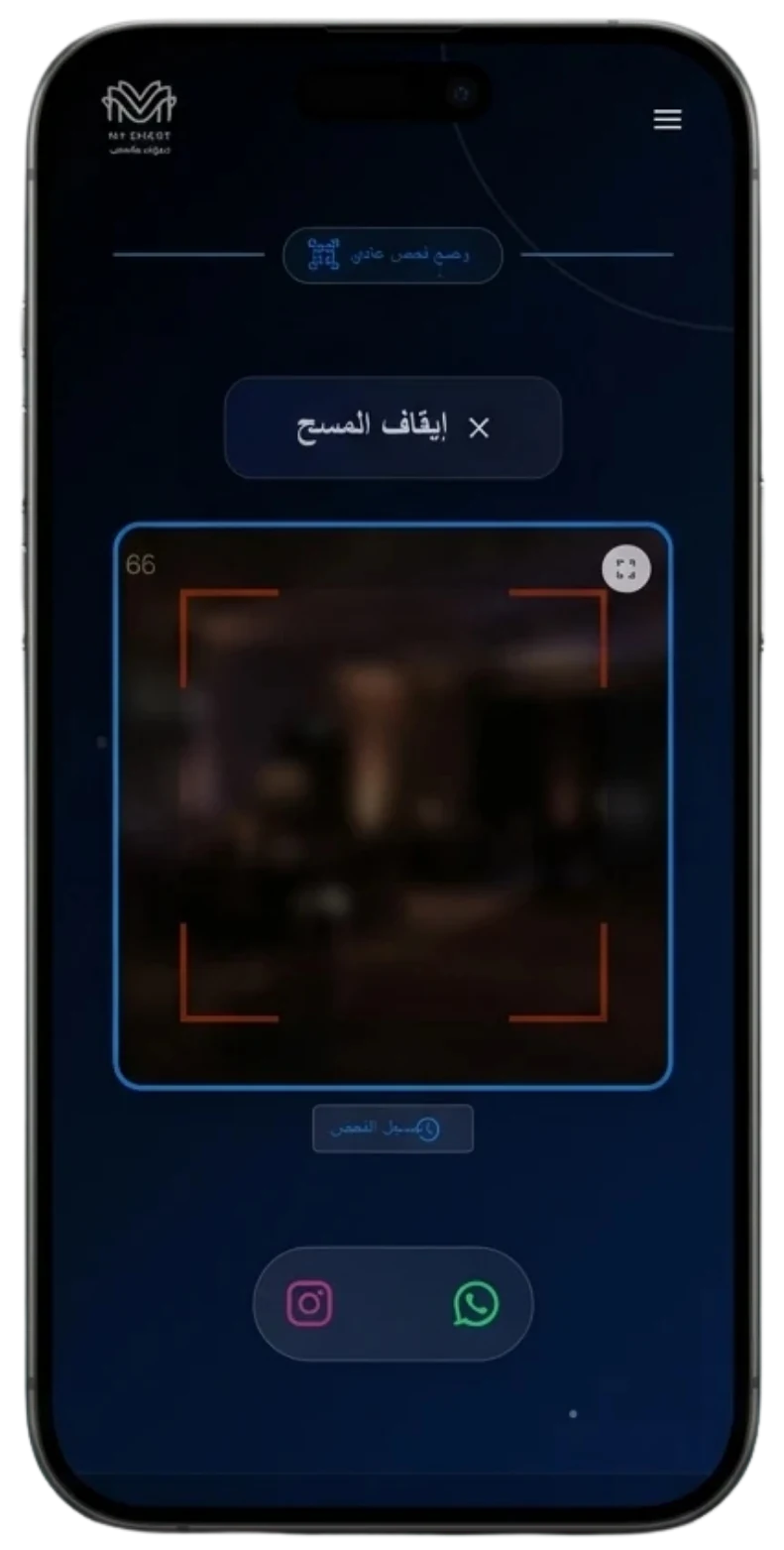
05/ 05
Welcome your guests
On event day, scan each QR at the entrance for a live attendance log.
- Scan QR from any team member’s phone
- Live attendance log updated with every scan
- Alerts for duplicate scans or invalid invitations
- Optional add-on: on-site supervision (male or female) from our team at the entrance
Start now
Your event deserves an unforgettable invitation
Build your package in minutes and send your request — or if you prefer, our team on WhatsApp is happy to set it up with you.